Backup vs Disaster Recovery: What Your Business Actually Needs
Published: Updated:
Security
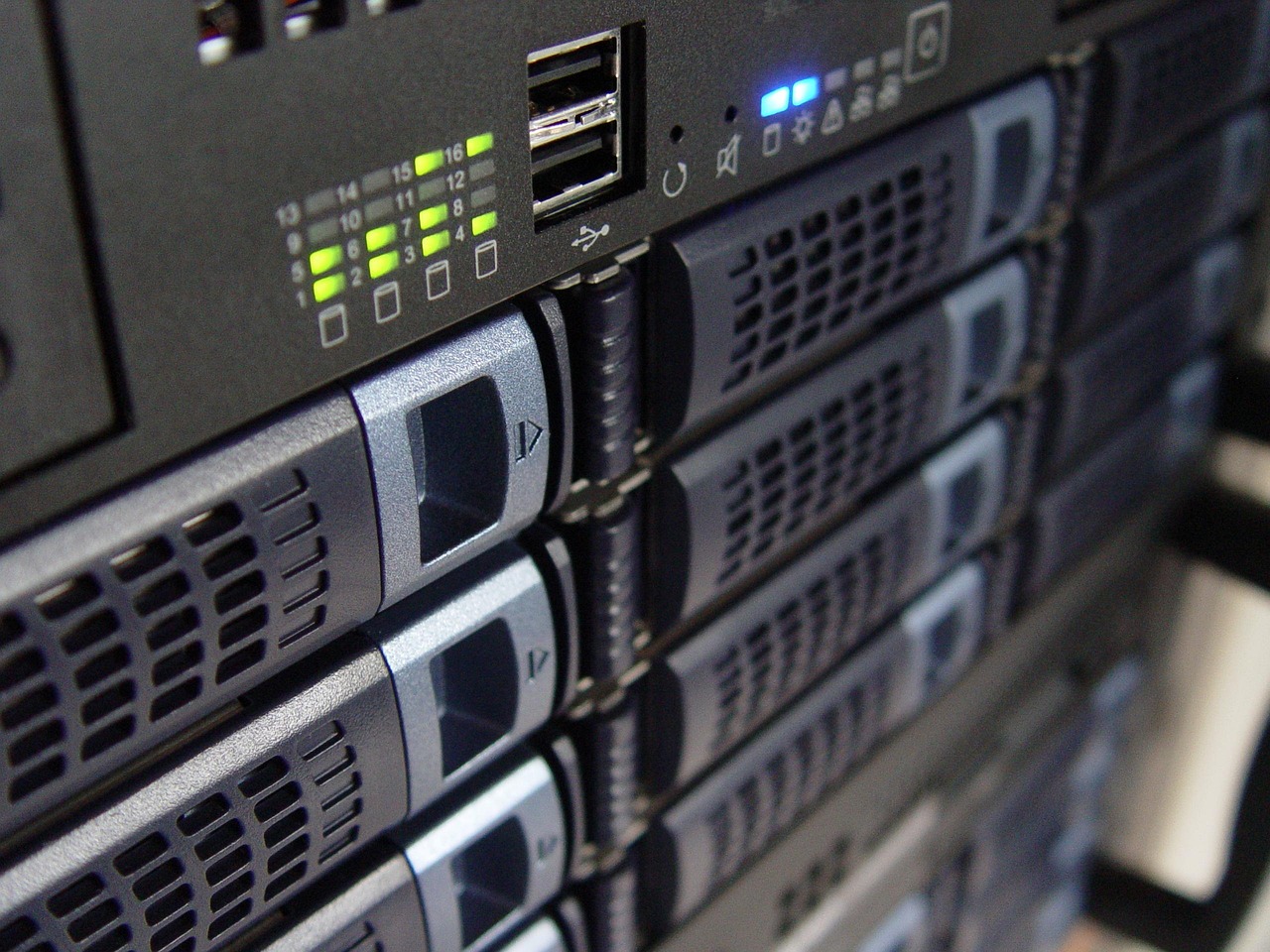
Short version: backup keeps a copy of your files, but after a full crash or a ransomware attack, restoring from it can take days. Disaster Recovery (DR) keeps a live replica of your environment, so the business keeps running within minutes. The two metrics every CEO should know are RTO (how quickly you are back at work) and RPO (how much data you can afford to lose). A DR plan is built in four stages: map critical systems, set targets, choose replication, and test regularly.
Imagine a normal workday. The office is busy, and suddenly everything stops: emails won't send, the customer database is unreachable and the accounting system won't load. A quick check with IT reveals that the main server has crashed, or worse, that the company is under a ransomware attack.
Most business owners' first reaction is "Don't worry, we have backups." But can that backup get you working again within minutes, or will you find that it takes days of hardware replacement, reinstallation and configuration? That is the critical difference between backup and a disaster recovery strategy.
One of the most common mistakes is confusing Backup with Disaster Recovery.
The analogy: backup is a spare tyre in the boot. It helps with a puncture, but not when the car is written off. DR is a fully fuelled replacement car waiting around the corner: the moment the first one stops, you switch and keep driving.
To build the right strategy, leadership has to think in terms of time and money (SLA):
Advanced DR systems achieve an RPO close to zero thanks to real-time replication.
The need for DR is not theoretical. Israel faces two major risks:
The OMC Cloud advantage: physical proximity combined with maximum resilience. Your data stays in Israel, under local regulation, in secure underground data centers.
Building a DR plan is a strategic process in four stages:
Want to see how it works? Read about OMC's DR solutions.
Backup is enough to restore individual files. After a full crash or a ransomware attack, restoring from backup can take days. DR gets the business working again within minutes.
RTO is the time until you are working again. RPO is how much data you might lose, in other words how far back in time you recover to.
First the systems without which the business stops, such as ERP, CRM, email and databases. Then the rest, in order of importance and budget.
Regularly, with failure simulations (dry runs), to confirm that failover really works within the target time.
Today the question is not whether a disruption will happen, but when, and how ready you are. Backup protects your files; DR protects your business. The experts at OMC Cloud are here to build your technology insurance policy, so you can sleep at night knowing your business is protected and resilient in any scenario. Contact us for a consultation and a readiness assessment for your organisation.
Join the tens of thousands of customers who rely on OMC every day
By signing up you agree to the terms of service
Get a personalized quote within the next half hour
By signing up you agree to the terms of service
2025 OMC, Inc., all rights reserved