
- 30 days free! Get started today for free
- Become a Partner
- Call now +44 1235 619426

Last updated:
Remote Desktop Services allow employees and managers to access business systems, applications, and data from anywhere in the world via a secure connection. This solution enables flexible work, improved productivity, and efficient IT system management without being limited to a physical office. OMC offers Remote Desktop services tailored to organizations of all sizes, with an emphasis on security, convenience, and flexibility.
Remote desktop prices as of November 2026
- $39.00/moWindows Server 2022, 2 vCPU, 4 GB RAM, 50 GB NVMe
- $111.00/moTerminal Server: Windows Server 2022, Type B, 4 vCPU, 8 GB RAM, 100 GB NVMe
- 25data centers to host it in, at the same price
- 30 daysfree trial: one server worth up to $100
Server prices as shown on the OMC Cloud pricing page. Any other size can be priced in the calculator.
What do you need to run remote desktop on Windows?
A cloud server with Windows Server (the calculator offers 2025, 2022, 2019, 2016 and 2012), enough CPU and memory for the applications your users run, and a Remote Desktop (RDP) client on each device. You choose one of 25 data centers, ideally the one closest to your users.
How many users can connect at the same time?
Windows Server includes two remote sessions for administration. For more people working at the same time you need Remote Desktop Services (RDS) with a licence per user or per device, and a server sized for their applications. Contact OMC to size the server and the licensing for your team, or read what a terminal server (RDS) is.
How much does a Windows remote desktop server cost?
As of November 2026, Windows Server 2022 with 2 vCPU, 4 GB RAM and 50 GB NVMe costs $39.00 per month, and the Terminal Server configuration (Type B, 4 vCPU, 8 GB RAM, 100 GB NVMe) costs $111.00 per month. You can pay monthly or by the hour, and price any other size in the calculator.
How do you keep a remote desktop server secure?
Connections are encrypted, and you can limit who reaches the server: change the default RDP port 3389 (guide) or connect through a VPN (guide).
Remote desktop FAQ
Which Windows versions can I use for remote desktop?
As of November 2026 the OMC Cloud calculator offers Windows Server 2025 Standard, Windows Server 2022, 2019 and 2016 in Standard and Datacenter editions, and Windows Server 2012.
How much does a Windows terminal server cost?
The Terminal Server configuration on the pricing page (Windows Server 2022, Type B, 4 vCPU, 8 GB RAM, 100 GB NVMe) costs $111.00 per month as of November 2026. If more than two people will connect at the same time, ask OMC about Remote Desktop Services licences.
Can I try a remote desktop server before paying?
Yes. Every new account can start with a 30-day free trial that includes one cloud server worth up to $100.
Scaling, performing and peace of mind
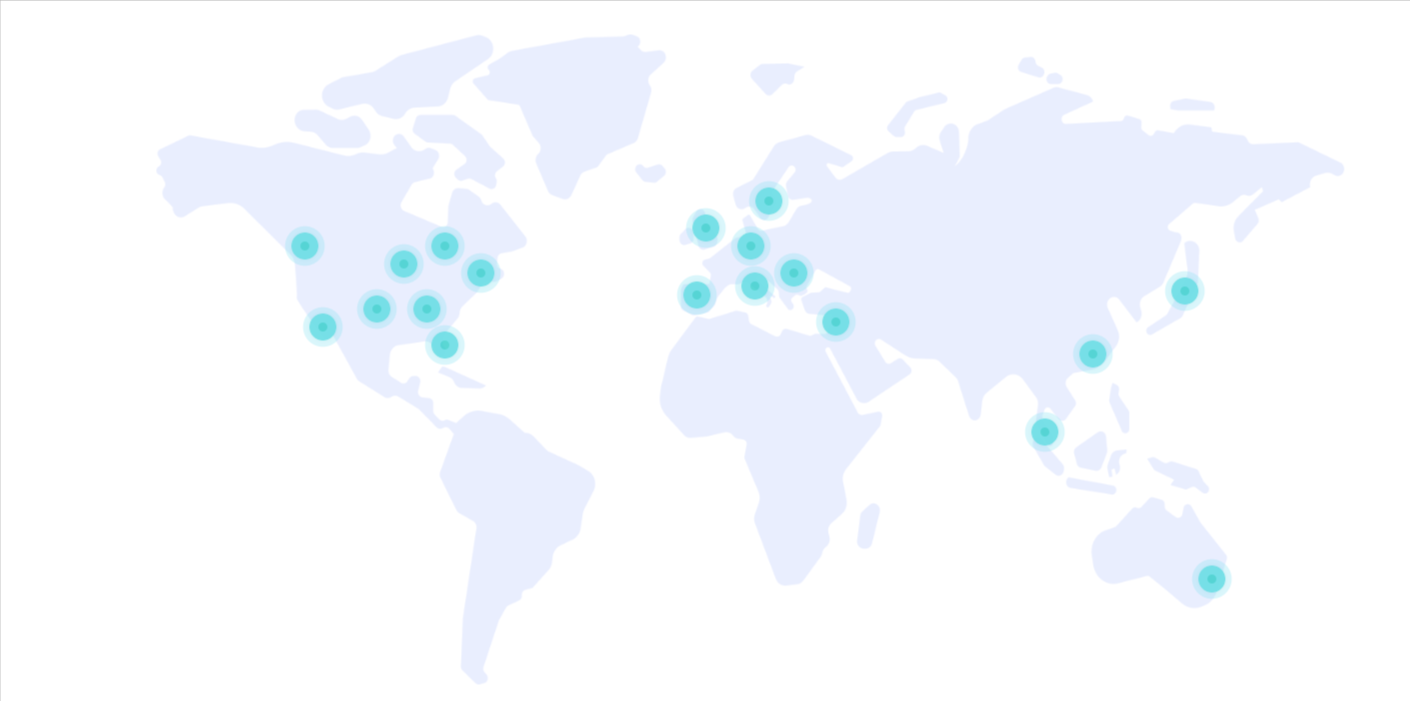
Access from Any Device
Computer, tablet, or smartphone - secure access with 2FA from anywhere in the world.
Local-Like Performance
Nearby servers and NVMe storage ensure a desktop experience like a local machine.
Centralized Management
Manage users, permissions, and software from one place. Active Directory integration.
Automatic Backups
Every workspace is automatically backed up with point-in-time recovery options.
Advanced Security
Encrypted connections, 2FA, and centralized security policies for all desktops.
24/7 Support
Expert team available 24/7 for setup assistance, connections, and troubleshooting.
Our Benefits
Secure Access from Any Device
Connect to your remote desktop from any device - computer, tablet, or smartphone. Encrypted connections with two-factor authentication ensure access is always secure. Support for RDP, SSH, and web-based access methods.
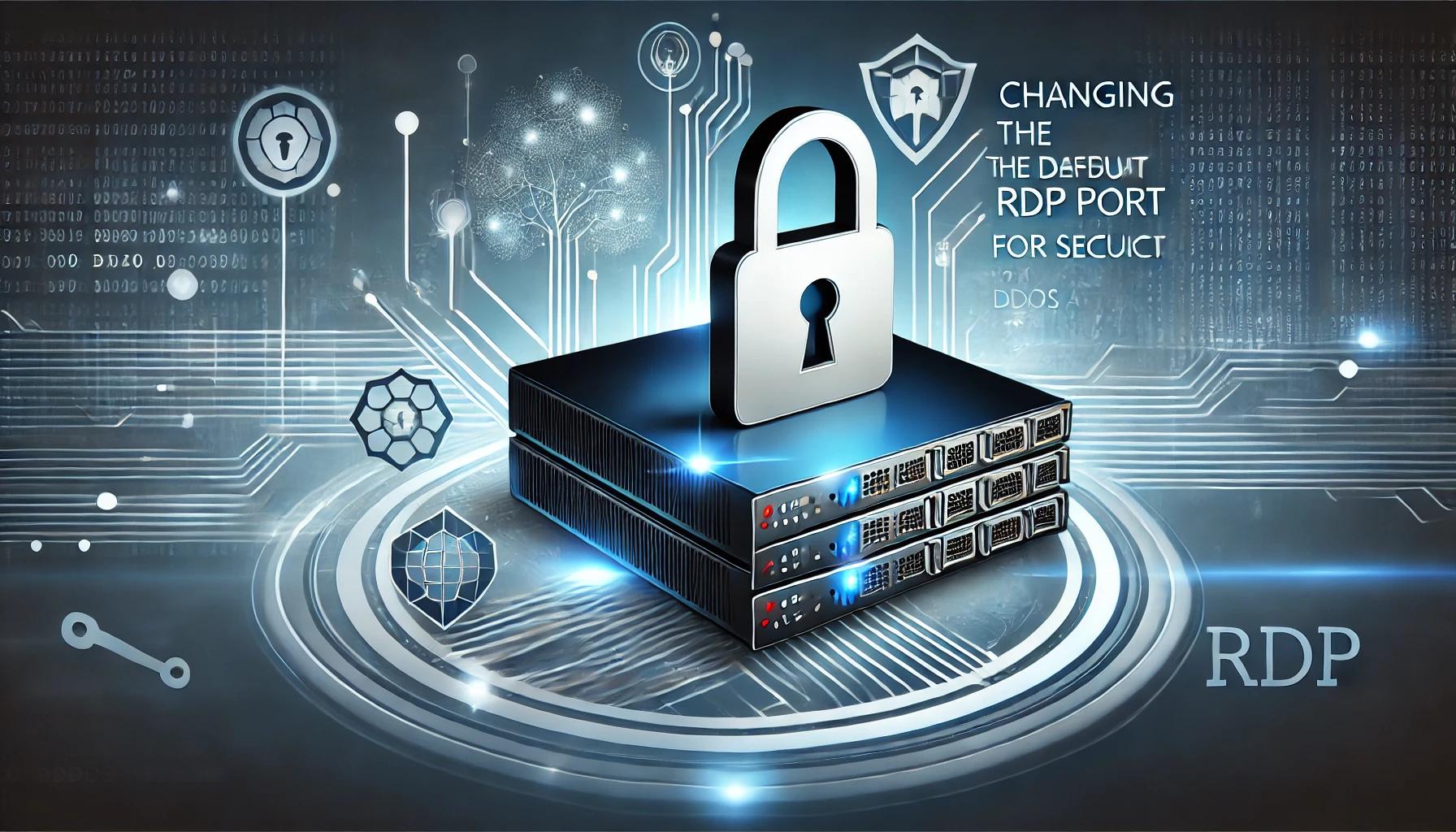
Local-Like Performance Anywhere
With servers close to the user and fast NVMe storage, the remote desktop experience feels like working on a local machine. Low latency response times and smooth graphics rendering, even for design and video editing applications.
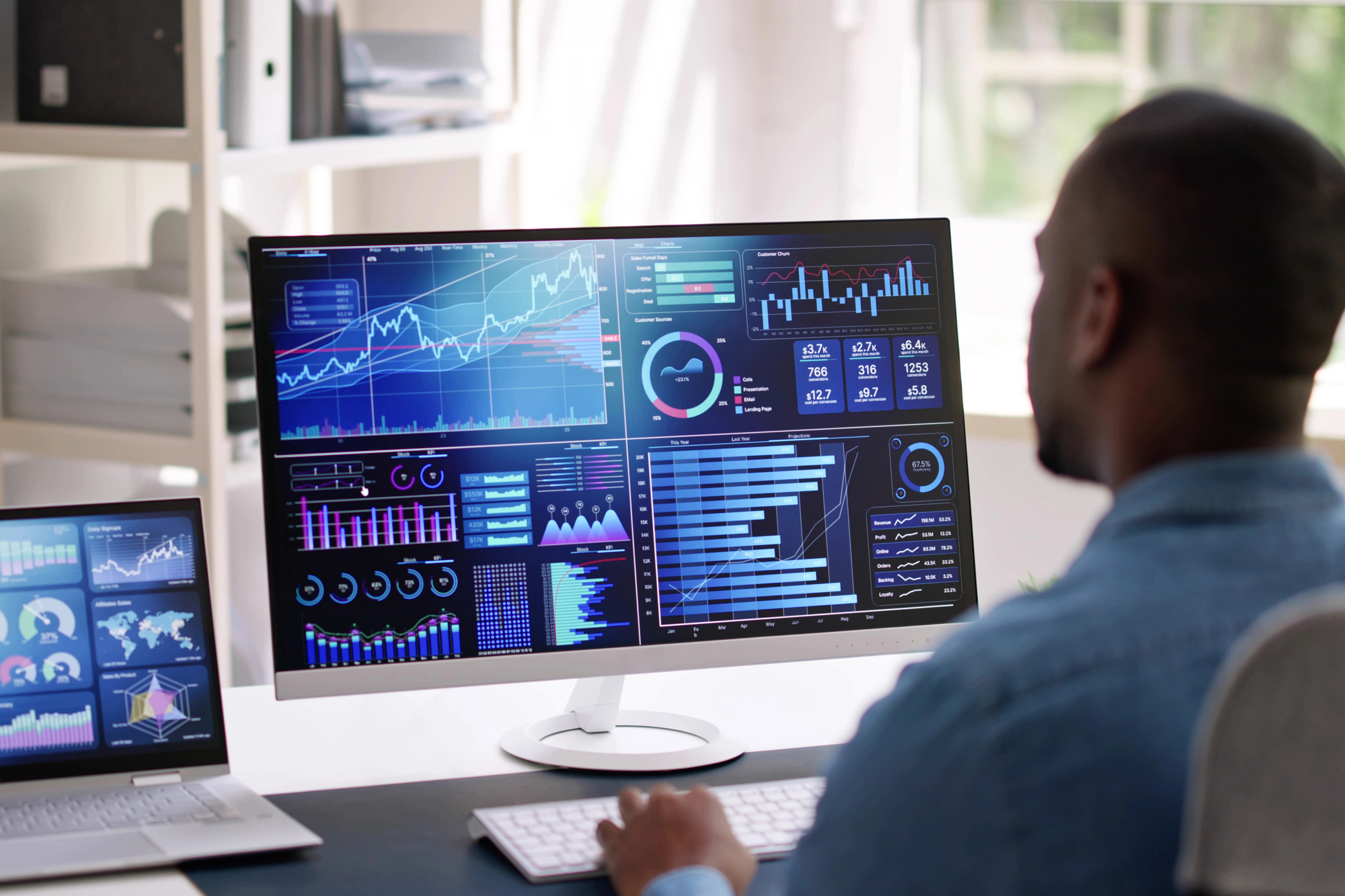
Centralized Multi-User Management
Manage multiple users and desktops from a single console. Set permissions, install software, and monitor usage - all through one management interface. Active Directory integration for enterprise environments.
Automatic Workspace Backups
Every remote workspace is automatically backed up. If anything goes wrong, restore your desktop to a previous point in time with a single click. Never lose work due to accidental deletion or software issues.

Trusted Worldwide
Over 30 years of experience, tens of thousands of customers, and a global footprint that speaks for itself.
60,000+
Customers
30
Years of Experience
150+
Countries
300,000+
Servers
Trusted by leading companies

Base VPS plans
Reference prices for a base VPS server. The service on this page is priced separately.
| Plan Name | Monthly Price | CPU Cores | Memory (GB) | Disk Space (GB) | Data Transfer (GB) |
|---|---|---|---|---|---|
| Availability 1GB 1core | $4.00 | 1 | 1.0 | 20 | 5000 |
| Availability 2GB 1 core | $6.00 | 1 | 2.0 | 20 | 5000 |
| General 1GB 1 core | $9.00 | 1 | 1.0 | 20 | 5000 |
| General 2GB 1 core | $15.00 | 1 | 2.0 | 20 | 5000 |
| Availability 4GB 2 cores | $19.00 | 2 | 4.0 | 40 | 5000 |
| General 4GB 2 cores | $42.00 | 2 | 4.0 | 40 | 5000 |
| Availability 8GB 4 cores | $42.00 | 4 | 8.0 | 80 | 5000 |
| General 8GB 4 cores | $90.00 | 4 | 8.0 | 80 | 5000 |
| Availability 16GB 8 cores | $99.00 | 8 | 16.0 | 150 | 5000 |
Compliance & Standards
Information security, governance, and operational controls are an integral part of our services.
ISO/IEC 27001
27001
Organization-wide information security management based on an international framework.
ISO/IEC 27017
27017
Cloud-specific security controls for cloud environments and services.
SOC 2
SOC 2
Operational controls and processes focused on security, availability, and service management.
FAQ
OMC provides customized Remote Desktop solutions, including installation, configuration, and ongoing management. We handle all aspects of security, administration, and upgrades, allowing you to focus on your business rather than managing the technology.
A cloud-based remote desktop allows access from anywhere and any device, while a local computer is limited to its physical location. Additionally, cloud solutions like those offered by OMC provide enhanced security, automatic backups, and centralized system management, significantly reducing the need for ongoing maintenance.
No. All that is required is a computer, tablet, or smartphone with an internet connection. OMC's service is based on cloud infrastructure, eliminating the need for expensive physical equipment or local maintenance.
The connection is established through dedicated software or a web browser, allowing users to access the system remotely using a username and password. Once connected, the user sees the remote desktop and can operate it just as if they were in the office, with full access to files, software, and applications.
Yes, OMC's remote desktop services provide advanced security layers such as traffic encryption, two-factor authentication, and a secure VPN connection to ensure your data and applications are always protected against breaches and external threats.
Remote Desktop allows employees to work from anywhere, enhances work flexibility, and improves collaboration between employees even when they are geographically dispersed. Additionally, it reduces infrastructure costs and enables the business to quickly adapt to changes in employee needs and operational requirements.
Remote Desktop is a solution that allows users to connect to a remote computer, including all the software, files, and applications installed on it, via the internet. This way, employees can access the company's systems from anywhere in the world, as if they were sitting in the physical office.
Explore your options with OMC cloud
OMC is an international leader in cloud services, serving hundreds of thousands of customers worldwide. With years of expertise, a global network of data centers, and 25 data centers across the globe, OMC delivers cloud solutions tailored to organizations seeking stability, speed, and flexibility.
Key Advantages of OMC:
- Stability and Experience: With extensive experience and deep expertise in cloud technology, OMC provides reliable services suitable for critical work environments.
- Global Data Center Network: OMC operates 25 data centers worldwide, enabling organizations to choose optimal server locations, improve performance, and reduce latency.
- Support for Hundreds of Thousands of Clients: Serving a diverse customer base, from small businesses to large enterprises, OMC offers proven capabilities to meet a wide range of needs.
- Flexibility and Customization: OMC provides an intuitive management interface, allowing easy server deployment, resource scaling, and tailored cloud environment management.
- Advanced Security: OMC prioritizes customer security with advanced security layers, monitoring systems, and compliance with strict privacy standards to ensure a secure remote work environment.
Secure Remote Desktop Solution
A secure terminal server-based remote desktop in the cloud is the ideal solution for organizations looking to enhance productivity, streamline management processes, and maintain maximum flexibility. With extensive experience, a global data center network, and a vast customer base, OMC delivers a stable, secure, and customizable cloud solution tailored to your needs.
