What is a Terminal Server (RDS)?
Published: Updated:
Guides
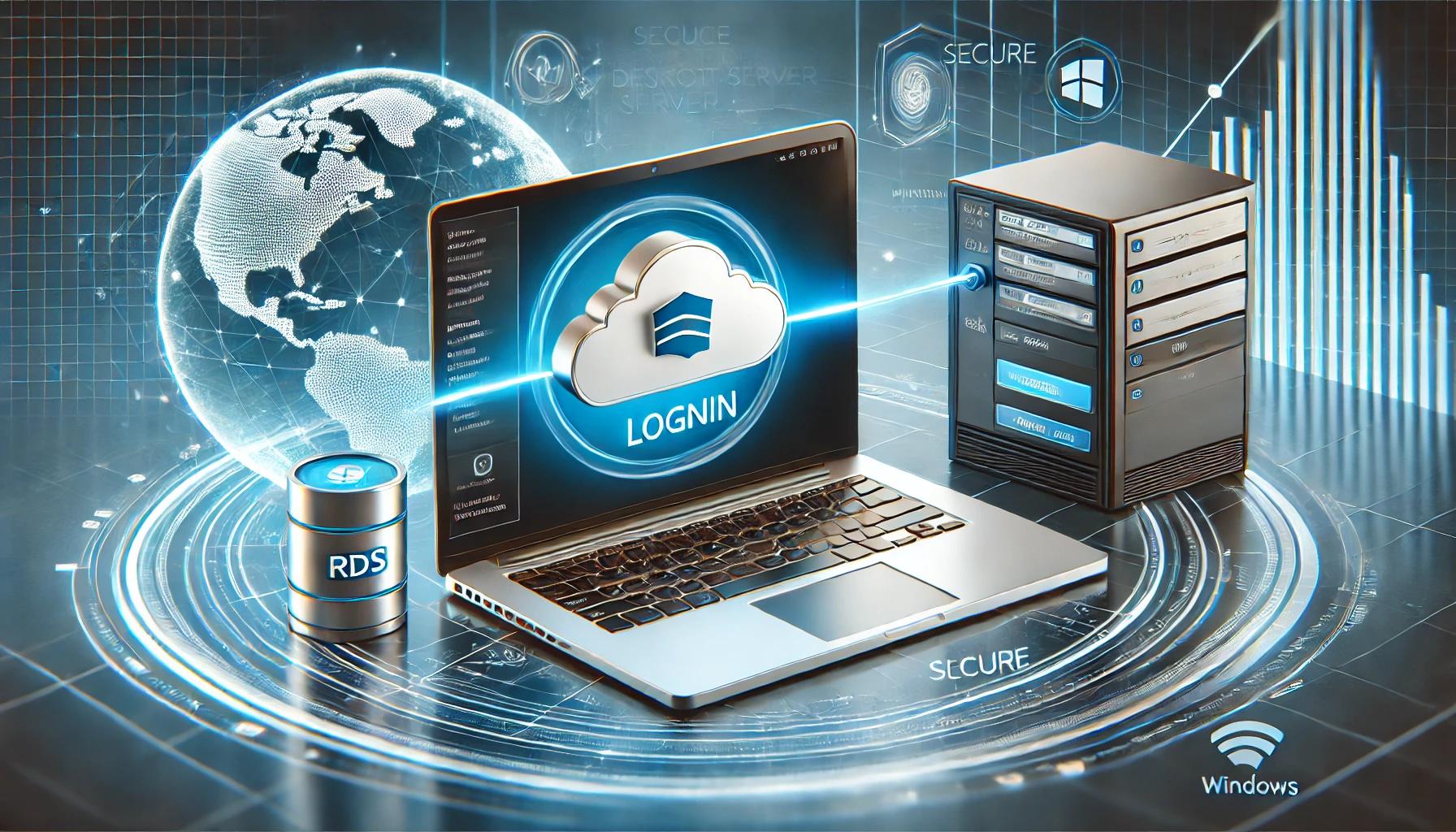
Short version: a terminal server (RDS) is a central computer in the cloud that several users work on remotely, as if it were sitting in their office. From Windows, connect with Remote Desktop Connection: enter the server address, your username and your password. From a Mac, install Microsoft Remote Desktop from the App Store and add the server with Add PC. The connection is encrypted, and your workspace stays exactly as you left it.
A terminal server, or Remote Desktop Server, lets you connect remotely to a central computer in the cloud. All your applications, documents, files and even your desktop are available from anywhere, at any time.
In practice you are working on a remote computer, and your data is stored in the cloud rather than on the device you connected from.
That's it, you are connected. The remote desktop opens straight away.
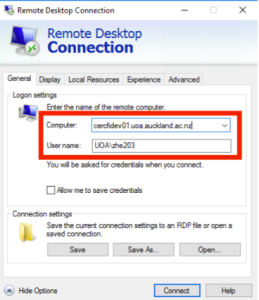
Remote Desktop Connection in Windows: the server address goes in the Computer field.
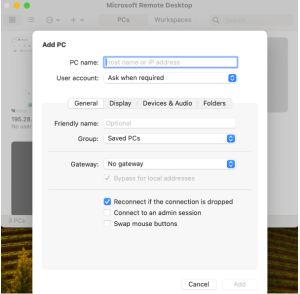
Microsoft Remote Desktop for Mac: the IP address in PC Name and a label in Friendly Name.
Common problems:
No. Remote Desktop Connection is built into Windows. On a Mac, install Microsoft's free app.
Yes. Microsoft also offers a Remote Desktop app for iPhone and Android, and it works the same way: server address, username and password.
They stay on the server in the cloud. Next time you log in, your workspace is exactly as you left it.
Closing the window leaves your session running on the server. Signing out closes it cleanly and frees its resources.
Connecting to your terminal server takes a minute: the server address, a username and a password, through Remote Desktop Connection on Windows or Microsoft Remote Desktop on a Mac. You get a familiar, secure workspace you can reach from anywhere. Our support team is always available, through the website or by phone.
Join the tens of thousands of customers who rely on OMC every day
By signing up you agree to the terms of service
Get a personalized quote within the next half hour
By signing up you agree to the terms of service
2025 OMC, Inc., all rights reserved