
- 30 days free! Get started today for free
- Become a Partner
- Call now (+44)-123-561-9426

Full Control
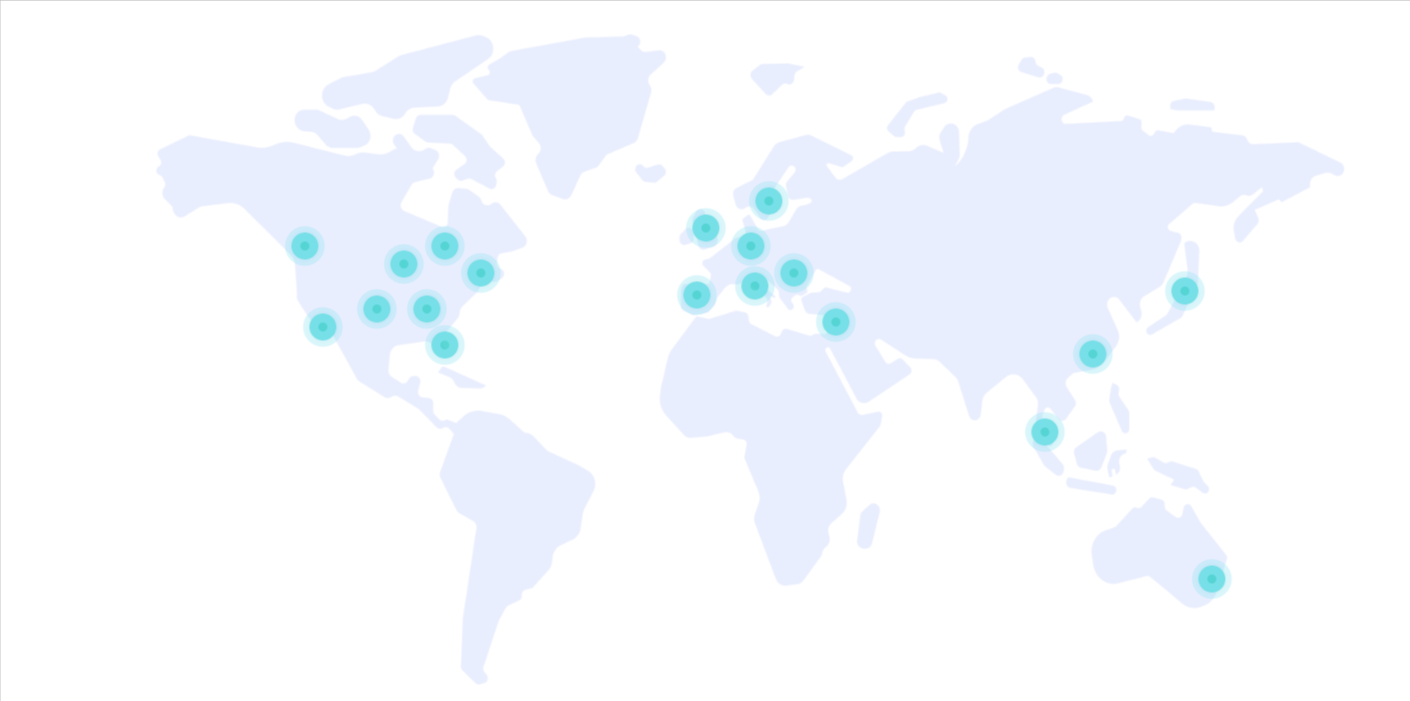
Centralized Management
Manage all your cloud resources - servers, storage and networking - from a single place.
Intuitive Interface
A clean, clear dashboard that lets even non-technical users find their way with ease.
Real-Time Control
Make changes, start and stop resources, and get status updates instantly.
Users and Permissions
Define precise roles and permissions for each team member to maintain security and order.
Cost Visibility
See your usage and costs in real time and plan your budget with confidence.
Full API Access
Full automation and integration with your tools through a documented, developer-friendly API.
Cloud Management Console
Unified Dashboard
The management console brings all your cloud services into one clear view, so you can monitor, provision and manage resources without switching between systems.
One-Click Provisioning
Spin up new servers, storage volumes and networks in just a few clicks, with ready-made configurations that shorten setup time.

Monitoring and Metrics
Real-time graphs and metrics show CPU, memory and network utilization, so you can spot bottlenecks and act before they affect your service.

Automation and API
A full API and automation tooling let you integrate the cloud into your workflows and run repetitive operations automatically.
Trusted Worldwide
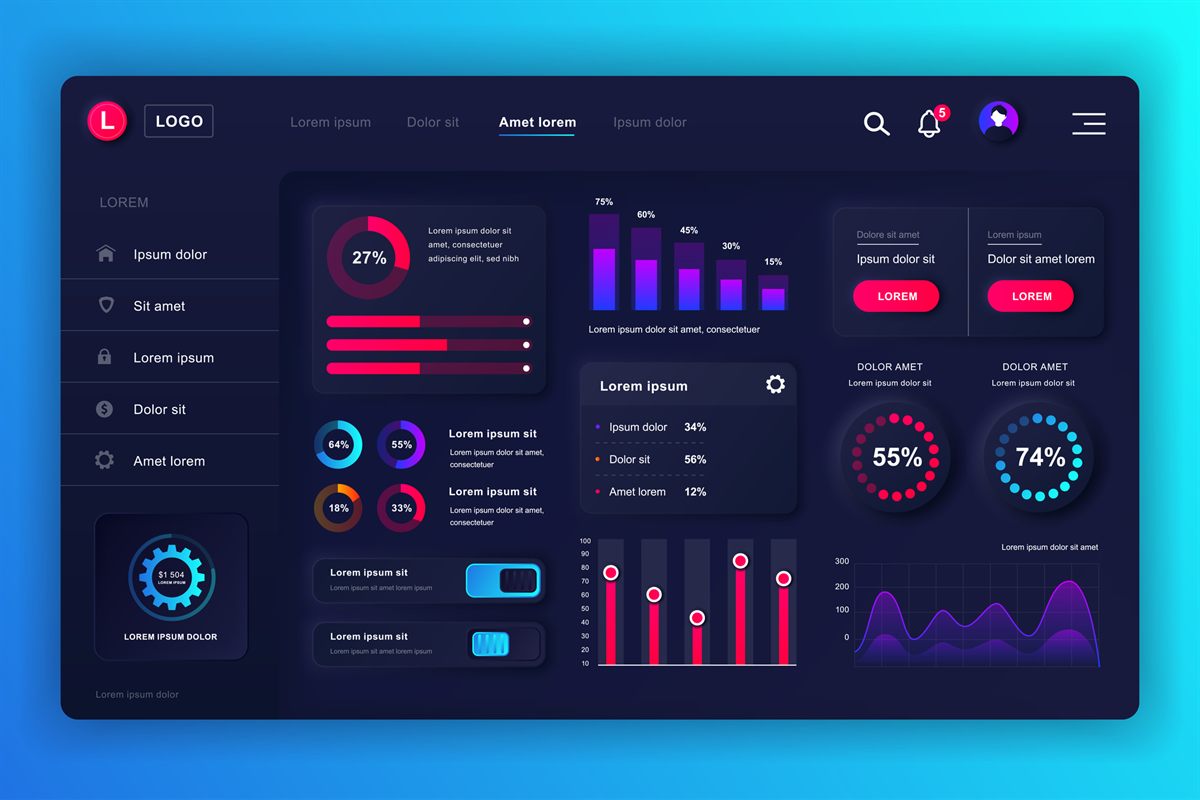
Over 30 years of experience, tens of thousands of customers, and a global footprint that speaks for itself.
0
Customers
0
Years of Experience
0
Countries
0
Servers
Trusted by leading companies





Plans & Pricing
Choose the cloud configuration that fits your business with performance, availability, and flexibility.
| Plan Name | Monthly Price | CPU Cores | Memory (GB) | Disk Space (GB) | Data Transfer (GB) |
|---|---|---|---|---|---|
| Availability 1GB 1core | $4.00 | 1 | 1.0 | 20 | 5000 |
| Availability 2GB 1 core | $6.00 | 1 | 2.0 | 20 | 5000 |
| General 1GB 1 core | $9.00 | 1 | 1.0 | 20 | 5000 |
| General 2GB 1 core | $15.00 | 1 | 2.0 | 20 | 5000 |
| Availability 4GB 2 cores | $19.00 | 2 | 4.0 | 40 | 5000 |
| General 4GB 2 cores | $42.00 | 2 | 4.0 | 40 | 5000 |
| Availability 8GB 4 cores | $42.00 | 4 | 8.0 | 80 | 5000 |
| General 8GB 4 cores | $90.00 | 4 | 8.0 | 80 | 5000 |
| Availability 16GB 8 cores | $99.00 | 8 | 16.0 | 150 | 5000 |
Compliance & Standards
Information security, governance, and operational controls are an integral part of our services.
ISO/IEC 27001
27001
Organization-wide information security management based on an international framework.
ISO/IEC 27017
27017
Cloud-specific security controls for cloud environments and services.
SOC 2
SOC 2
Operational controls and processes focused on security, availability, and service management.
Console FAQ
The OMC Cloud Management Console gives you full control over all your servers, resources and services from one place. Deploy servers in seconds, upgrade resources with one click, manage backups, monitor performance and control network settings - all through one simple and intuitive interface.
Cloud Management Console
What is the Cloud Management Console?
The OMC Cloud Management Console is your central interface for managing all your infrastructure. From here you can deploy servers, manage resources, monitor performance and perform any action - without writing a single line of code.
