
- 30 days free! Get started today for free
- Become a Partner
- Call now (+44)-123-561-9426

Full OS Flexibility
Any Operating System
Run any Linux distribution or Windows edition you need, including images not offered in the standard catalog.
Simple Upload
Upload your image file to the cloud and launch a new server from it within minutes.
Full Compatibility
Support for industry-standard formats such as ISO, QCOW2 and VMDK, with no complicated conversions.
Complete Control
An environment tailored exactly to your needs, including custom configurations, packages and security settings.
Fast Deployment
Clone an existing environment and spin up multiple identical servers quickly and consistently.
Licensing Flexibility
Bring your existing licenses and avoid paying twice for software you already own.
Bring Your Own Image
Upload Your Custom Image
BYOI lets you upload a pre-built operating system with all your settings, packages and software, then launch servers from it on the OMC cloud with ease.

Standard Format Support
Compatibility with leading industry formats means you can migrate existing environments from other providers or your own data center without rebuilding from scratch.
Production-Identical Environments
Launching servers from a single image ensures every environment, from development to production, is completely identical and reduces unexpected issues.

Full Security and Isolation
Every server runs in an isolated environment with dedicated resources, keeping your image and data protected and private.
Trusted Worldwide
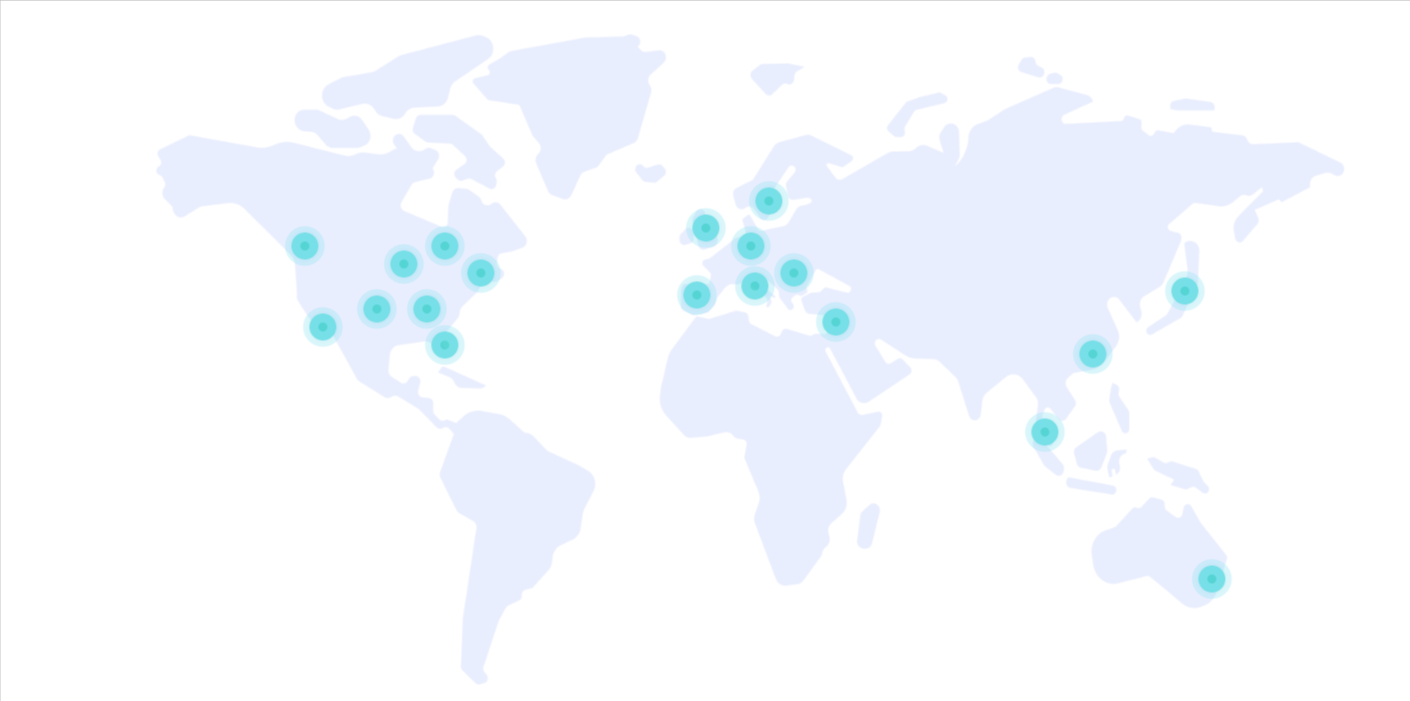
Over 30 years of experience, tens of thousands of customers, and a global footprint that speaks for itself.
0
Customers
0
Years of Experience
0
Countries
0
Servers
Trusted by leading companies





Plans & Pricing
Choose the cloud configuration that fits your business with performance, availability, and flexibility.
| Plan Name | Monthly Price | CPU Cores | Memory (GB) | Disk Space (GB) | Data Transfer (GB) |
|---|---|---|---|---|---|
| Availability 1GB 1core | $4.00 | 1 | 1.0 | 20 | 5000 |
| Availability 2GB 1 core | $6.00 | 1 | 2.0 | 20 | 5000 |
| General 1GB 1 core | $9.00 | 1 | 1.0 | 20 | 5000 |
| General 2GB 1 core | $15.00 | 1 | 2.0 | 20 | 5000 |
| Availability 4GB 2 cores | $19.00 | 2 | 4.0 | 40 | 5000 |
| General 4GB 2 cores | $42.00 | 2 | 4.0 | 40 | 5000 |
| Availability 8GB 4 cores | $42.00 | 4 | 8.0 | 80 | 5000 |
| General 8GB 4 cores | $90.00 | 4 | 8.0 | 80 | 5000 |
| Availability 16GB 8 cores | $99.00 | 8 | 16.0 | 150 | 5000 |
Compliance & Standards
Information security, governance, and operational controls are an integral part of our services.
ISO/IEC 27001
27001
Organization-wide information security management based on an international framework.
ISO/IEC 27017
27017
Cloud-specific security controls for cloud environments and services.
SOC 2
SOC 2
Operational controls and processes focused on security, availability, and service management.
BYOI FAQ
Bring Your Own Image lets you upload a custom operating system to your OMC Cloud server. Whether it is a specific Linux distribution, a custom Docker image, or a proprietary OS for your organization - you can upload your ISO or image directly through the Cloud Management Console and run it on our infrastructure.
Bring Your Own Image
What is Bring Your Own Image?
Bring Your Own Image (BYOI) lets you upload a custom operating system to your OMC Cloud server. Whether you need a specific Linux distribution tailored to your organization, a pre-configured system image with software pre-installed, or a proprietary OS - you can upload your ISO file directly through our Cloud Management Console.
Who is it for?
How does it work?
The process is simple and fast:
There are no restrictions on OS type - Linux, Windows, FreeBSD, or any other OS that supports virtualization.
Key Benefits
Have a question? Our cloud experts are happy to help - call us at (+44) 123-561-9426
